
Checkup reports
Years of lab results, finally readable
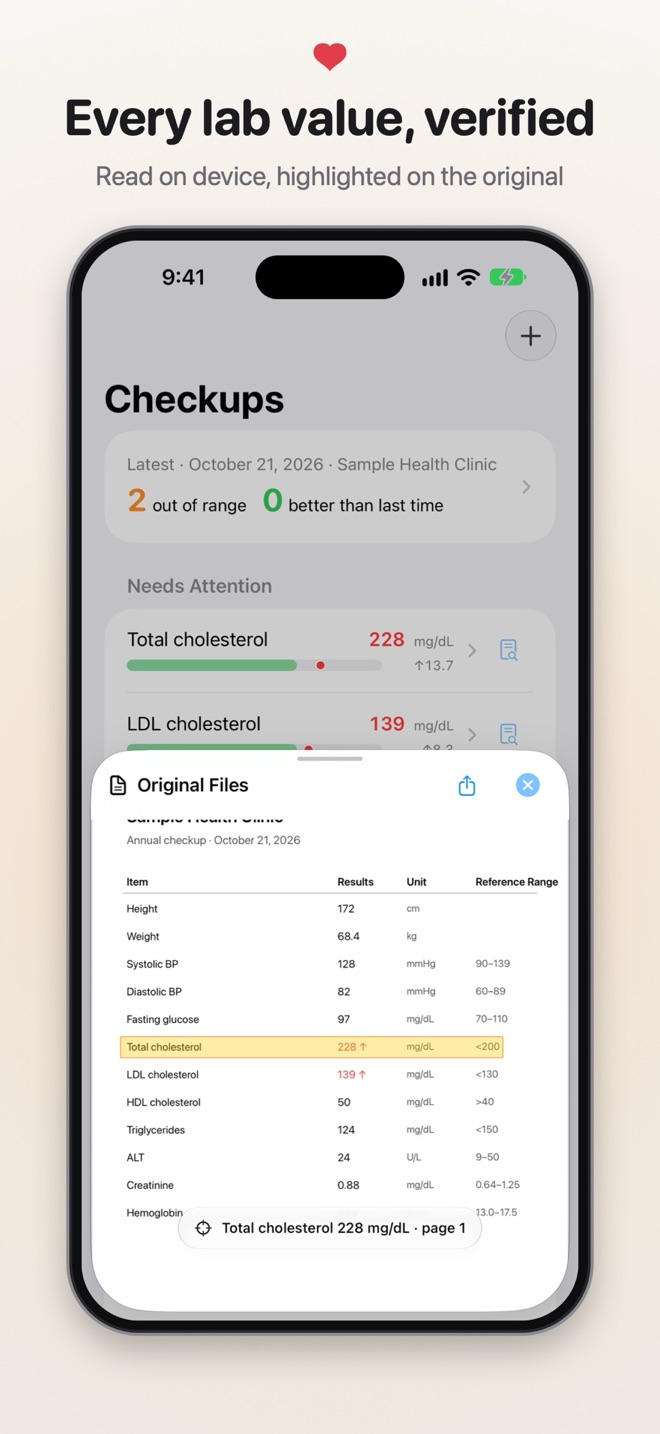
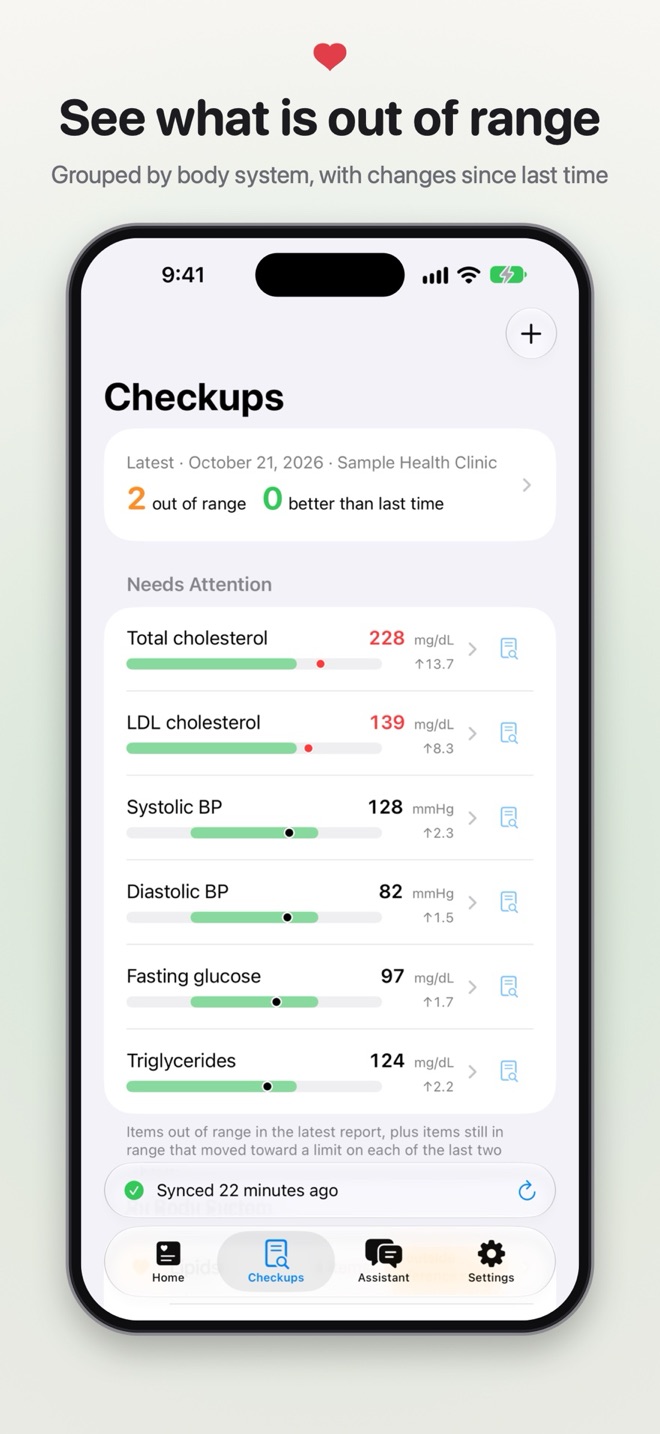
Take a photo, scan, or import a PDF. Apple Intelligence on your device reads the items, values, units and reference ranges, so the report never has to leave your phone.
Checkups, Sync & AI Insights
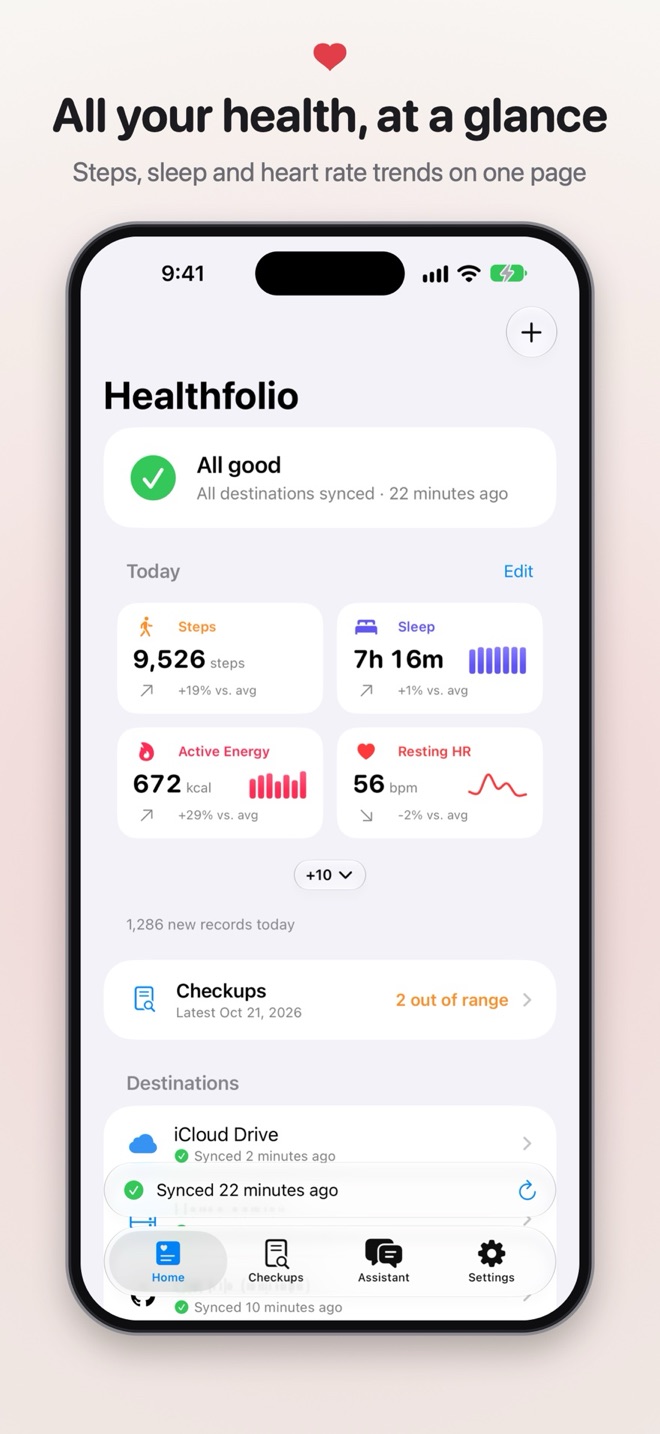
Keep your checkup reports and Apple Health data in one place, check every value against the original, and send your data only where you choose.
For iPhone and iPad
Checkup reports
Take a photo, scan, or import a PDF. Apple Intelligence on your device reads the items, values, units and reference ranges, so the report never has to leave your phone.
Sync and export
Steps, heart rate, sleep, workouts, blood pressure, glucose and many more types, written out as plain files you can use anywhere.
AI assistant
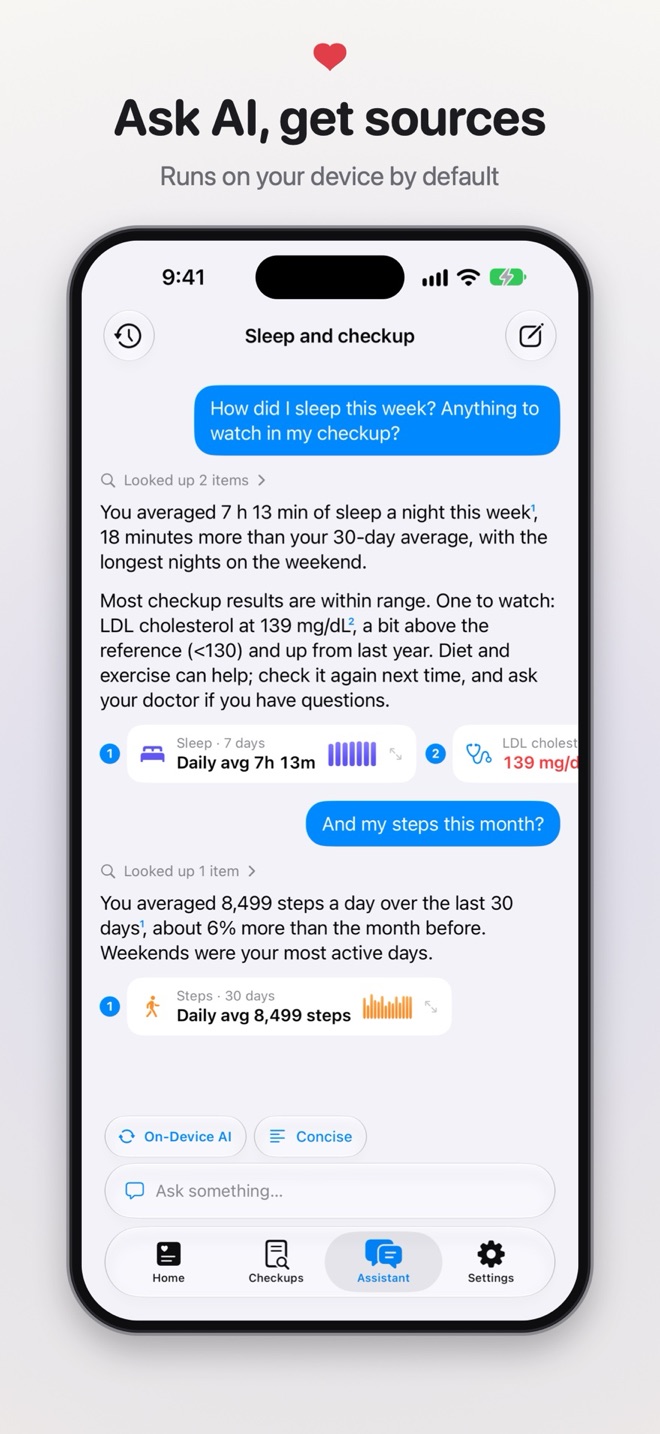
"How did I sleep this week?" "Has my blood pressure changed?" Answers come with charts and sources you can tap back to the original data and reports.
Privacy
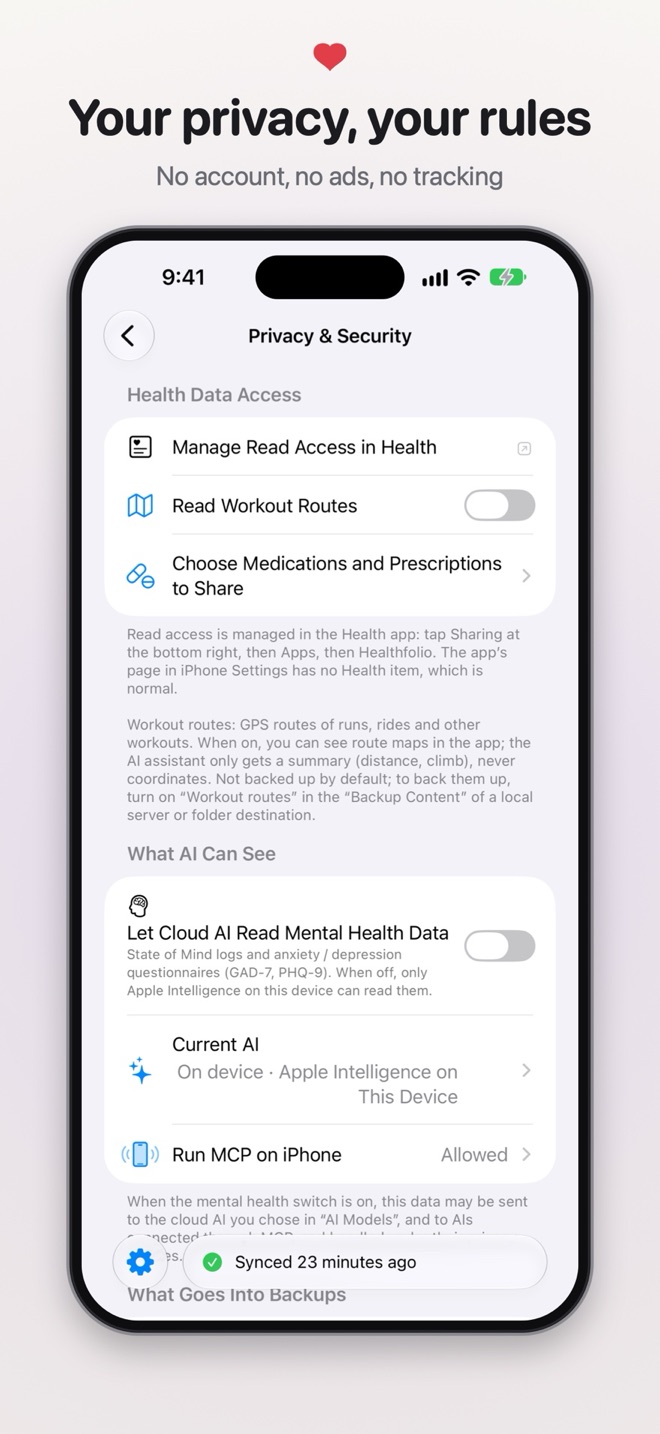
We run no server, so we never see your health data. It stays on your devices and goes only where you send it.
Healthfolio Server
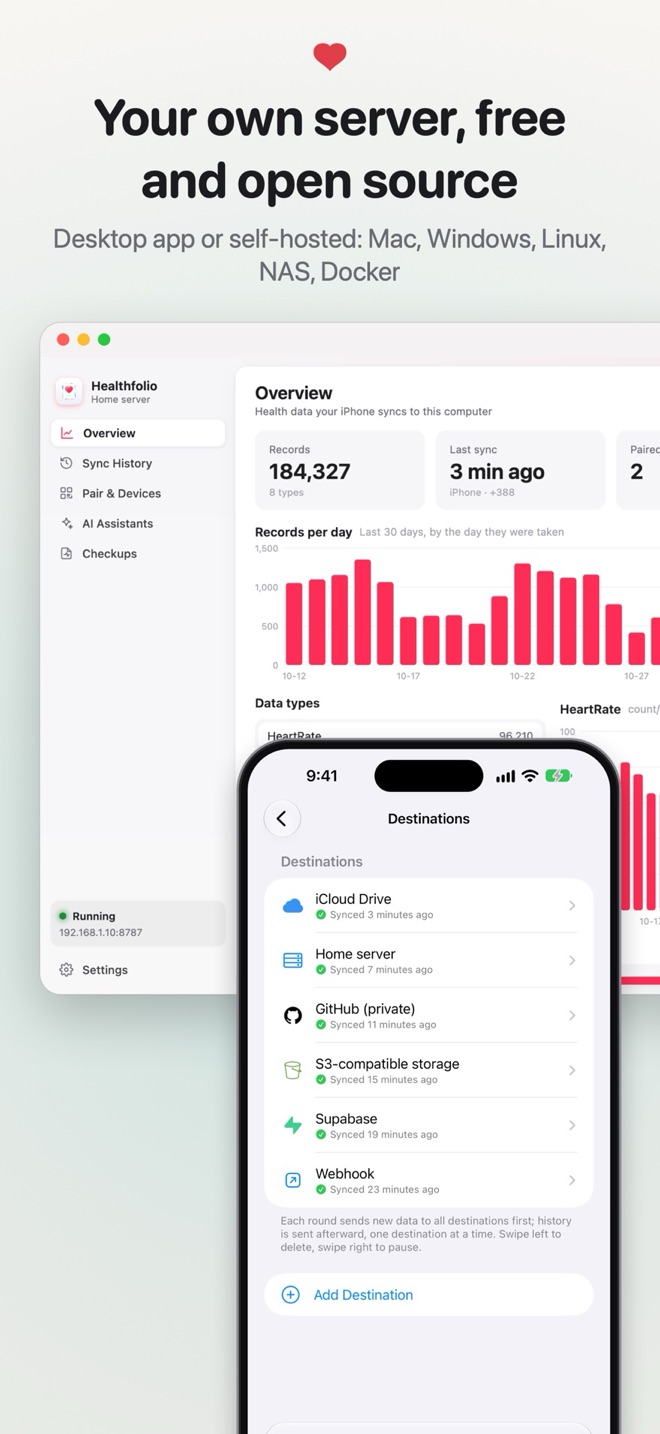
Healthfolio Server is the companion that you host yourself. Your iPhone sends data to a computer you own, and nobody else is in the middle.
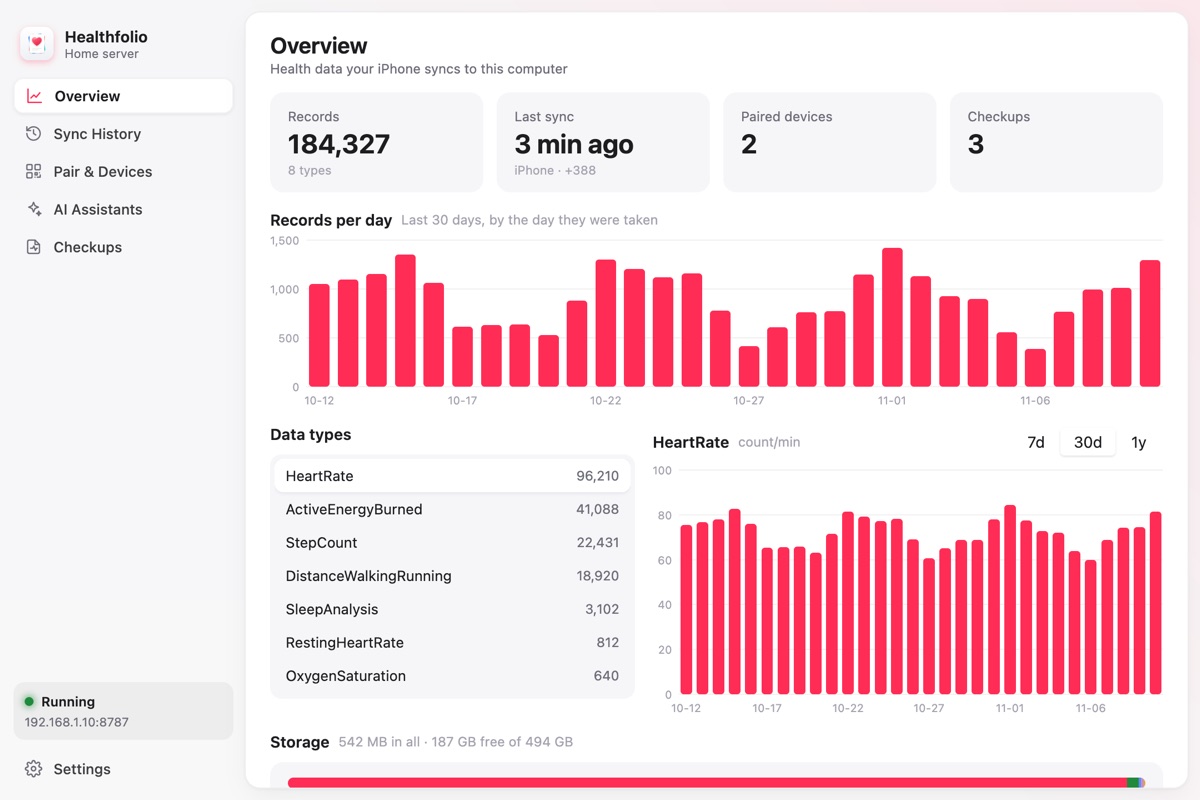
A desktop app for Mac, Windows and Linux, or a headless server for a NAS, a Raspberry Pi or Docker.
The server is free. Syncing to it from the app needs Healthfolio Pro.
Free and Pro
One purchase, with Family Sharing
No. There is nothing to sign up for. The developer runs no server, so there is no account to create and nothing to log in to.
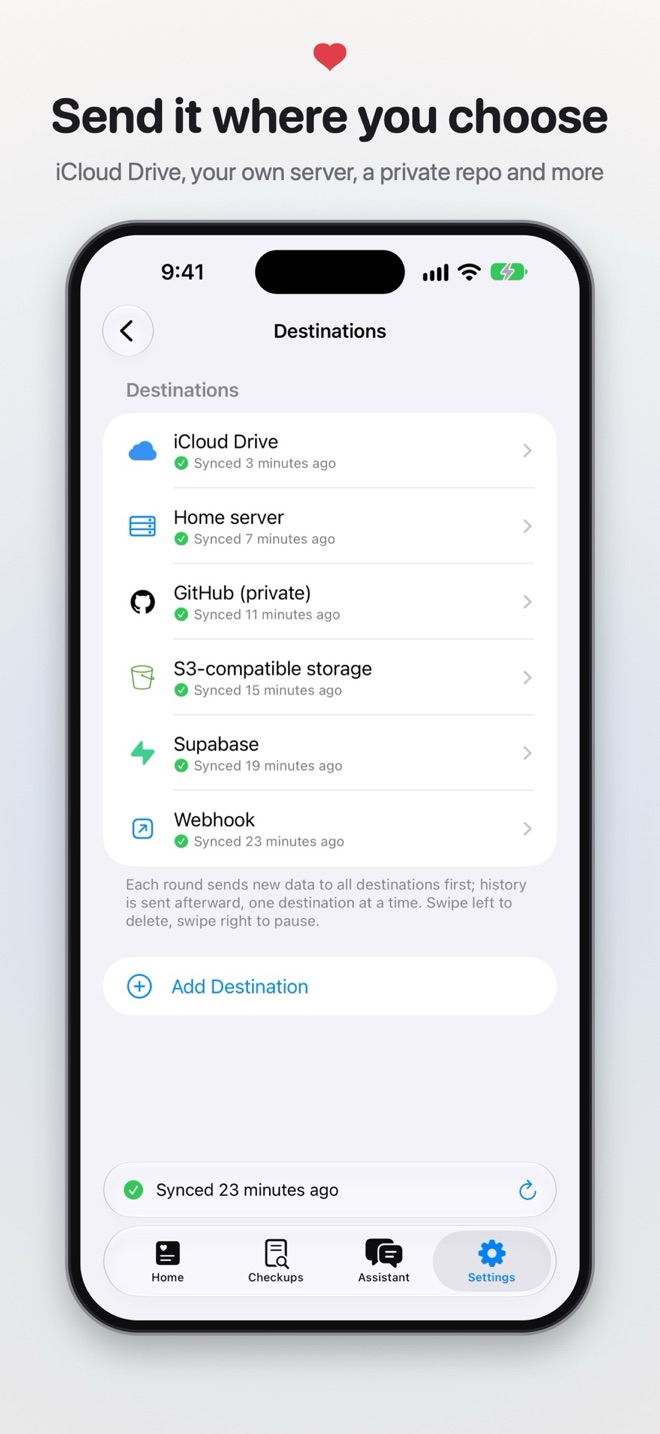
It stays on your devices, and goes only where you send it: an export you share yourself, or a destination you set up, such as your iCloud Drive, a folder, or your own server. The iCloud Drive destination is off by default and you turn it on after an explanation.
Automatic sync to one iCloud Drive or folder destination (it back-fills the last 7 days, then keeps syncing new data), export and share any time, checkup reports, the AI assistant, Siri, Live Activities and the Face ID lock. Healthfolio Pro adds more destinations, full-history back-fill, cloud and self-hosted AI models, and an MCP server on your iPhone. It is a one-time purchase and supports Family Sharing.
A free, open-source companion that you host yourself. It runs as a desktop app on Mac, Windows or Linux, or as a headless server on a NAS, a Raspberry Pi or in Docker. Your iPhone syncs to it over your own network, and your data is stored in a plain SQLite database on your computer. Syncing to a server needs Healthfolio Pro.
Not by default. The assistant runs on your device. Only if you choose a cloud model with your own API key, which needs Pro, will your question and the related data be sent to that service, and the app asks for your consent first.
No. It does not diagnose or give treatment advice. Checkup results and AI answers are for information only, and they can contain errors. Talk to a doctor about any health concern.
Yes, at any time. Pick a time range and content, export one file, and save it to Files or send it with AirDrop or Mail. CSV works with spreadsheets and scripts.